Drive transfers
How file transfers work for each kind of drive, and how to limit the ones that pass through your server.
When someone downloads or uploads a file in a drive, the bytes take one of two paths.
- Direct: the file goes straight between the browser and the provider. Your server does not carry it. Google Drive, OneDrive and S3 servers set to
directwork this way. - Relayed: the file passes through your server. WebDAV, FTP, FTPS and SFTP drives always work this way, because a browser cannot talk to those servers itself. An S3 server set to
relayworks this way too.
Relayed transfers need the secret METIS_DRIVE_RELAY_SECRET, of at least 32 characters, as soon as you list a relayed server. You can generate one with openssl rand -base64 32. The bootstrap script generates it. Relayed transfers need an always-on server, not a serverless host.
Limit relayed transfers
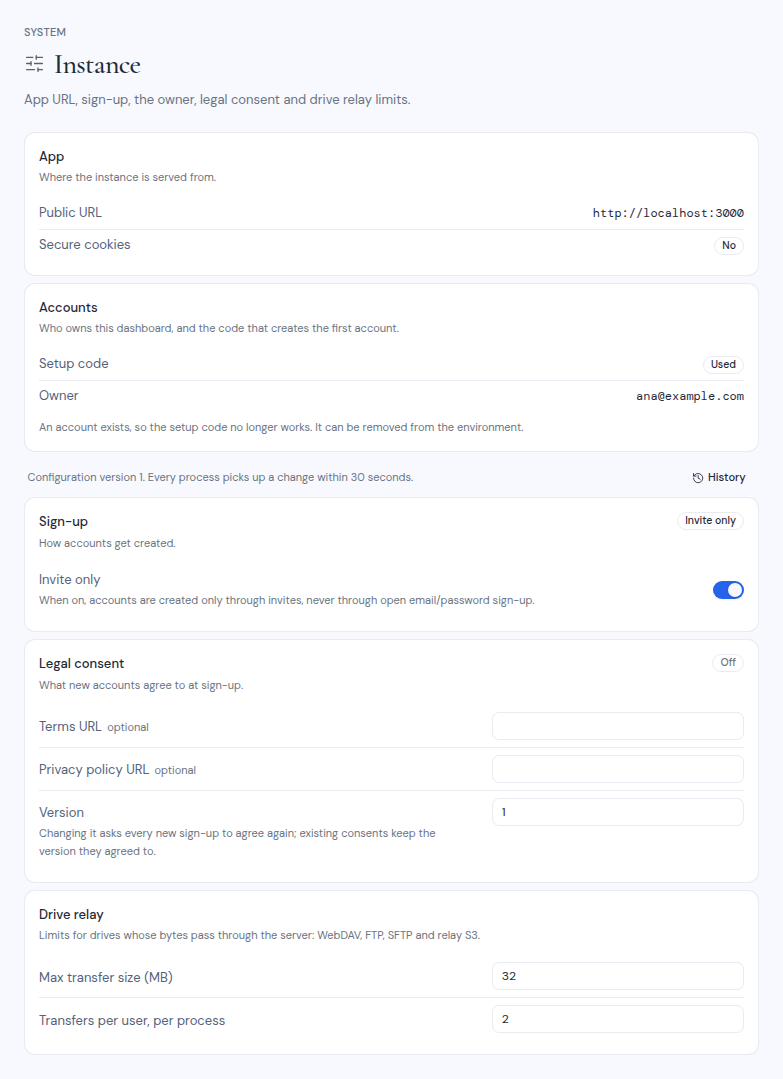
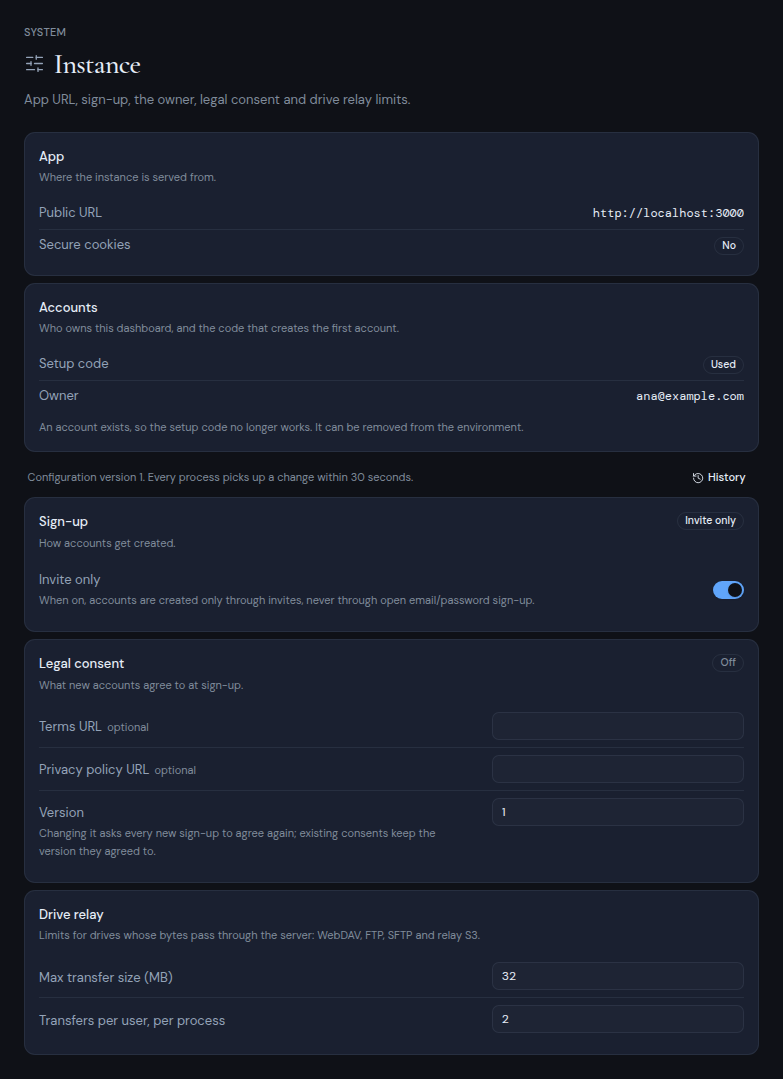
Open Dashboard, System, Instance. The Drive relay card has two limits:
| Field | Default | What it limits |
|---|---|---|
| Max transfer size (MB) | 256 | The size of each relayed file. |
| Transfers per user, per process | 3 | How many relayed transfers one person can run at the same time. |
Change a value, click Save changes and enter your authenticator code.
To set the starting values before the first start, use METIS_DRIVE_RELAY_MAX_MB and METIS_DRIVE_RELAY_CONCURRENCY.
Limit connections to a server
FTP and SFTP entries have a Pool size: the total number of connections Metis Suite opens to that server, shared by all users. The default is 2 for FTP and 3 for SFTP. Keep it under the server’s connection limit per IP address. See Server lists.