Outgoing email
Set how your instance sends its own email, such as sign-in links, password resets and invitations.
Your instance sends some email of its own: sign-in links, email verification, password resets and invitations. This is separate from your users’ mail, which always goes through their own mailboxes.
On a new instance, this email is not delivered. It is written to the server log instead, so you can test without a mail service. To deliver it, use Resend or an SMTP server.
Choose a driver
Open Dashboard, System, Mail under Drivers.
| Driver | What happens | Badge on the System page |
|---|---|---|
log (default) |
Each email is written to the app’s log instead of being sent. | Console only |
resend |
Sent through Resend with your API key. | Delivering |
smtp |
Sent through your SMTP server. | Delivering |
noop |
Nothing is sent or logged. Magic link sign-in, email verification, password reset and workspace invites are turned off. | Not delivered |
With log, you can read the links in the app’s log:
sudo docker compose --project-directory /opt/metis-suite logs -f appFields
| Field | When | Notes |
|---|---|---|
| From | resend and smtp |
Required. The sender, for example Metis Suite <noreply@example.com>. |
| From, for sign-in mail | optional | A different sender for sign-in links, verification and password resets. Falls back to From. |
| From, for invites | optional | A different sender for invitations. Falls back to From. |
| Resend API key | resend |
Your Resend API key. |
| SMTP URL | smtp |
A full SMTP URL. Set either the URL or the host. |
| SMTP host, SMTP port, SMTP user, SMTP password | smtp |
Use these instead of the URL. |
| Implicit TLS | smtp |
Turn on for a server that uses TLS from the start of the connection, usually on port 465. |
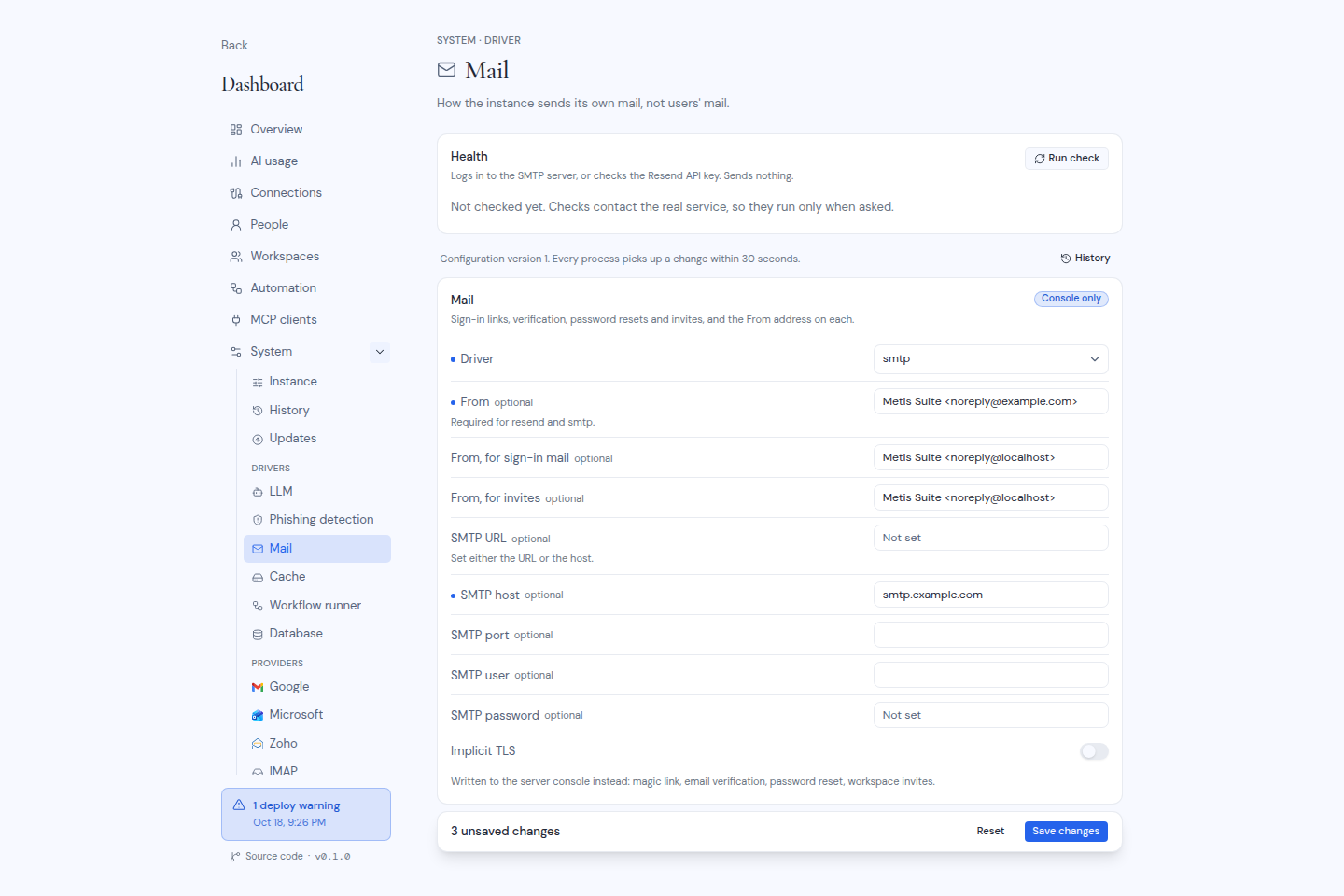
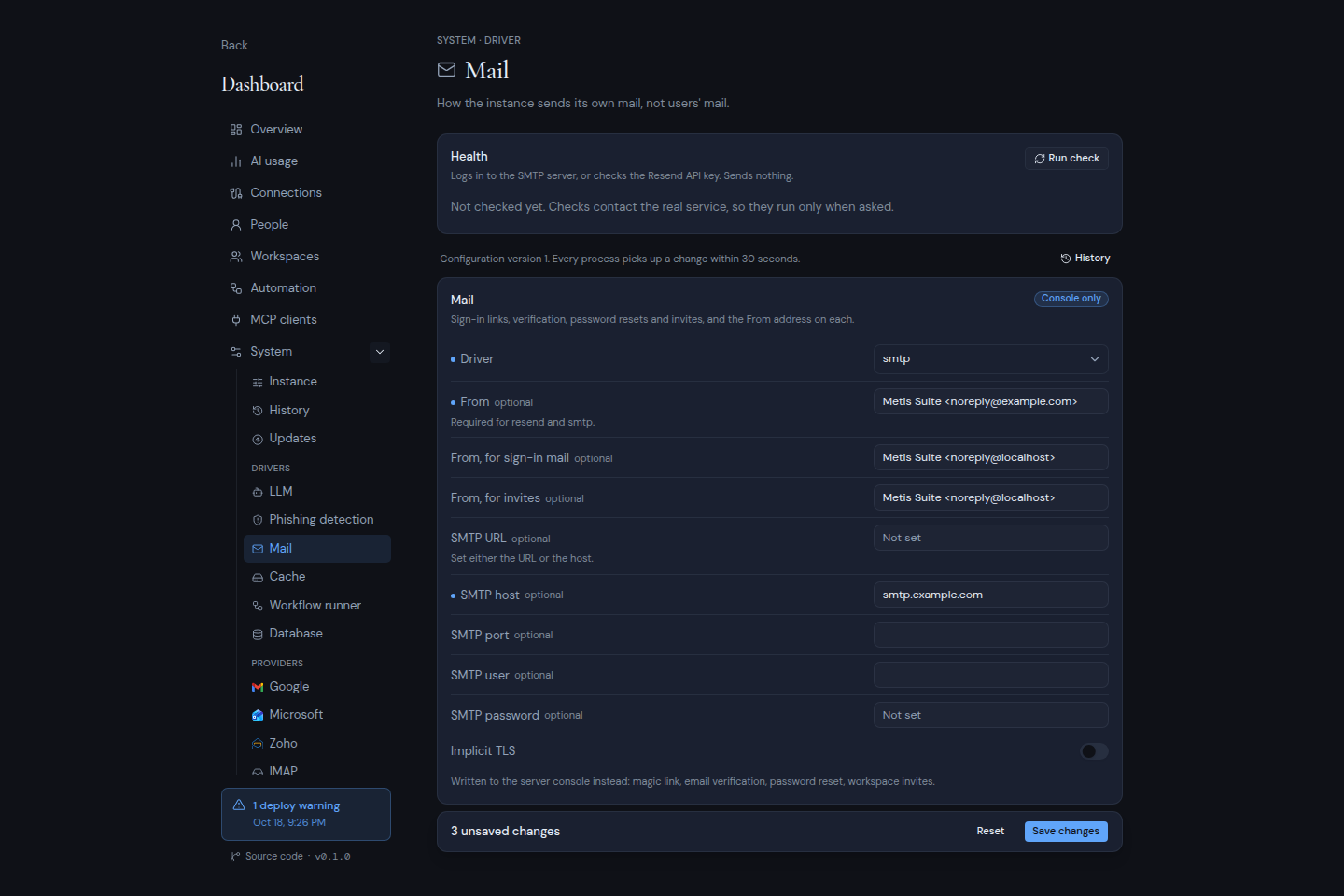
Click Save changes and enter your authenticator code. Then click Run check in the Health card. It signs in to the SMTP server or checks the Resend API key. It sends nothing.
To check delivery end to end, send an invitation to an address you can read, from your account settings.
Set the starting values in the environment
METIS_MAIL_DRIVER=smtp
MAIL_FROM=Metis Suite <noreply@example.com>
SMTP_URL=smtps://user:password@smtp.example.com:465
For Resend, use METIS_MAIL_DRIVER=resend and RESEND_API_KEY. Instead of SMTP_URL, you can use SMTP_HOST, SMTP_PORT, SMTP_USER, SMTP_PASS and SMTP_SECURE. MAIL_FROM_AUTH and MAIL_FROM_INVITE set the two optional senders. After the first start, change these in the dashboard.