Invite people to Metis Suite
Invite someone to create an account on your instance, share the link by hand if the email fails, and revoke an invite.
Most Metis Suite instances are invite-only: people cannot create an account unless someone invites them. Anyone who already has an account can send an invite.
This page is about inviting someone to create an account on your instance. It does not add them to any of your workspaces. To share a workspace with someone, invite them from the workspace instead. See Workspaces.
Send an invite
- Open your user menu (the round button with your initials at the bottom of the left rail) and click Settings.
- Click Invites. The page says “Invite someone to create an account on this instance.”
- In the Invite someone card, type the person’s email address.
- Click Send invite.
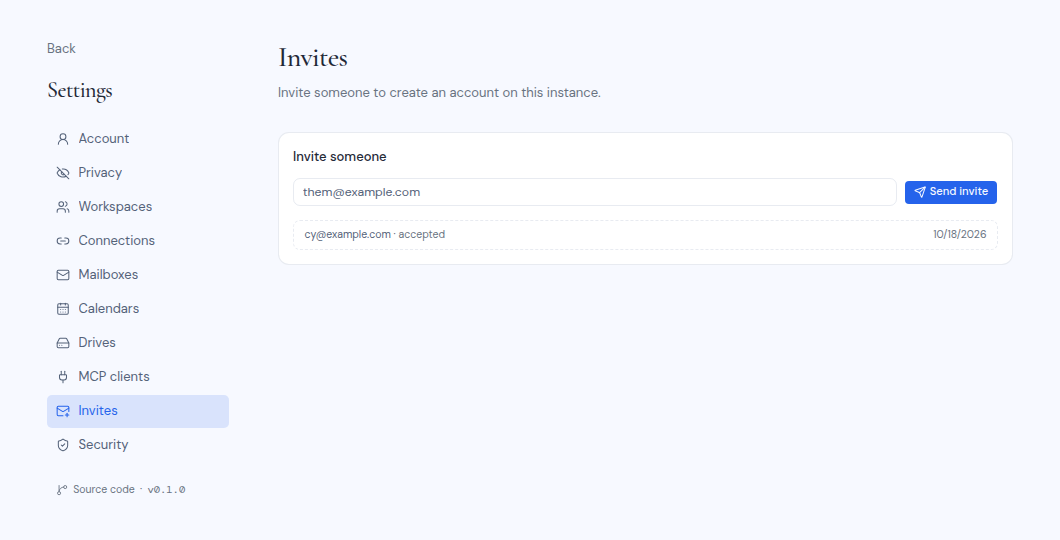
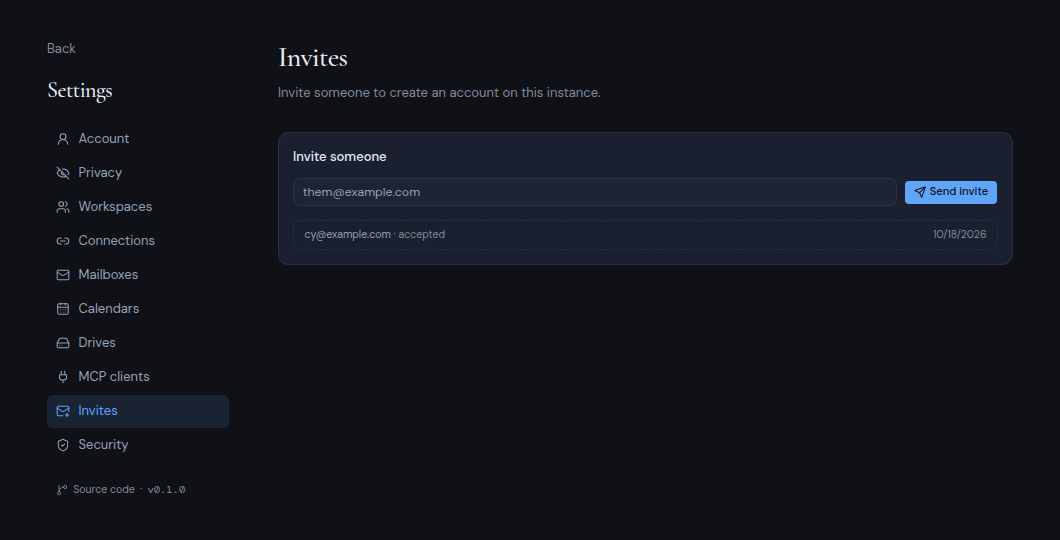
You see “Invite sent to” followed by their address. They get an email with a Create your account button. They then pick a name and password and set up two-factor authentication, as shown in Sign in for the first time.
Every invite expires after 7 days.
If the email could not be sent
Sometimes Metis Suite creates the invite but cannot send the email. A box then shows the invite link. Copy it and send it to the person yourself, for example in a chat message. The link expires in 7 days.
If the invite is refused
- “That email already has an account”: this person can already sign in. If you want to work together, invite them to a workspace instead.
- “That email already has a pending invite”: an invite for this address is still waiting. Wait for them to use it, or revoke it and send a new one.
See your invites
Below the form is a list of the invites you sent. You see only your own invites, not those of other people. Each row shows the email address and a status:
| Status | Meaning |
|---|---|
| pending | Not used yet. The row also shows the date it expires. |
| accepted | The person created their account. |
| expired | The 7 days passed before the person used it. |
If you have not sent any invites, the list says “No invites yet.”
Revoke an invite
To cancel a pending invite, click the trash button on its row (Revoke invite). The link in the email stops working. If the person opens it, they see “Invite unavailable”.