Print and view the original
Print a message, or see its raw source with every header.
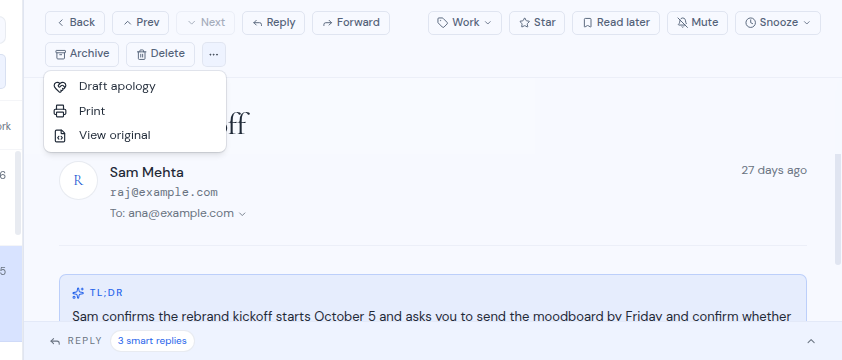
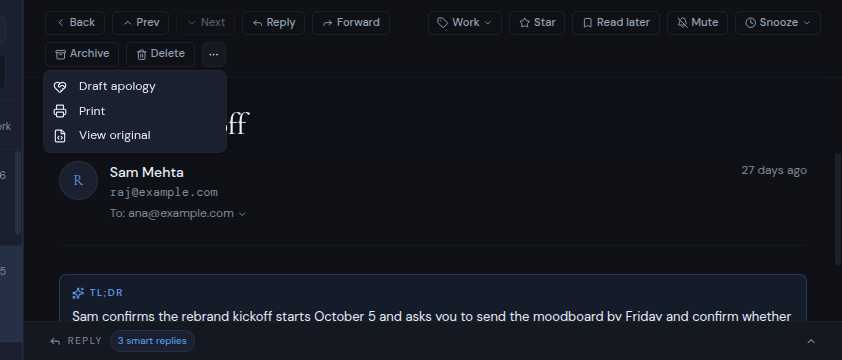
Both actions are in the More actions menu (the ⋯ button) at the right end of the message toolbar.
Print a message
- Open the message.
- Click More actions (⋯), then Print.
A print window opens with the message on a light page. A header at the top shows who it is from, who it was sent to and the date. Your browser’s print dialog then opens, so you can print it or save it as a PDF.
View the original message
- Open the message.
- Click More actions (⋯), then View original.
A new window shows the message’s raw source, including all of its headers. This is useful to check where a message really came from. While it loads you see “Loading raw message…”. If it cannot be loaded, you see “Could not load the raw message” with the reason.
Allow pop-ups
Both actions open a new window. If your browser blocks pop-ups, you see “Allow pop-ups for this site to print.” or “Allow pop-ups for this site to view the original message.” Allow pop-ups for Metis Suite in your browser, then try again.
The mobile app does not open the print window or the original message.